 MirachSEM Guides
Help center
Learn MirachSEM
Step-by-step guides for each major workflow.
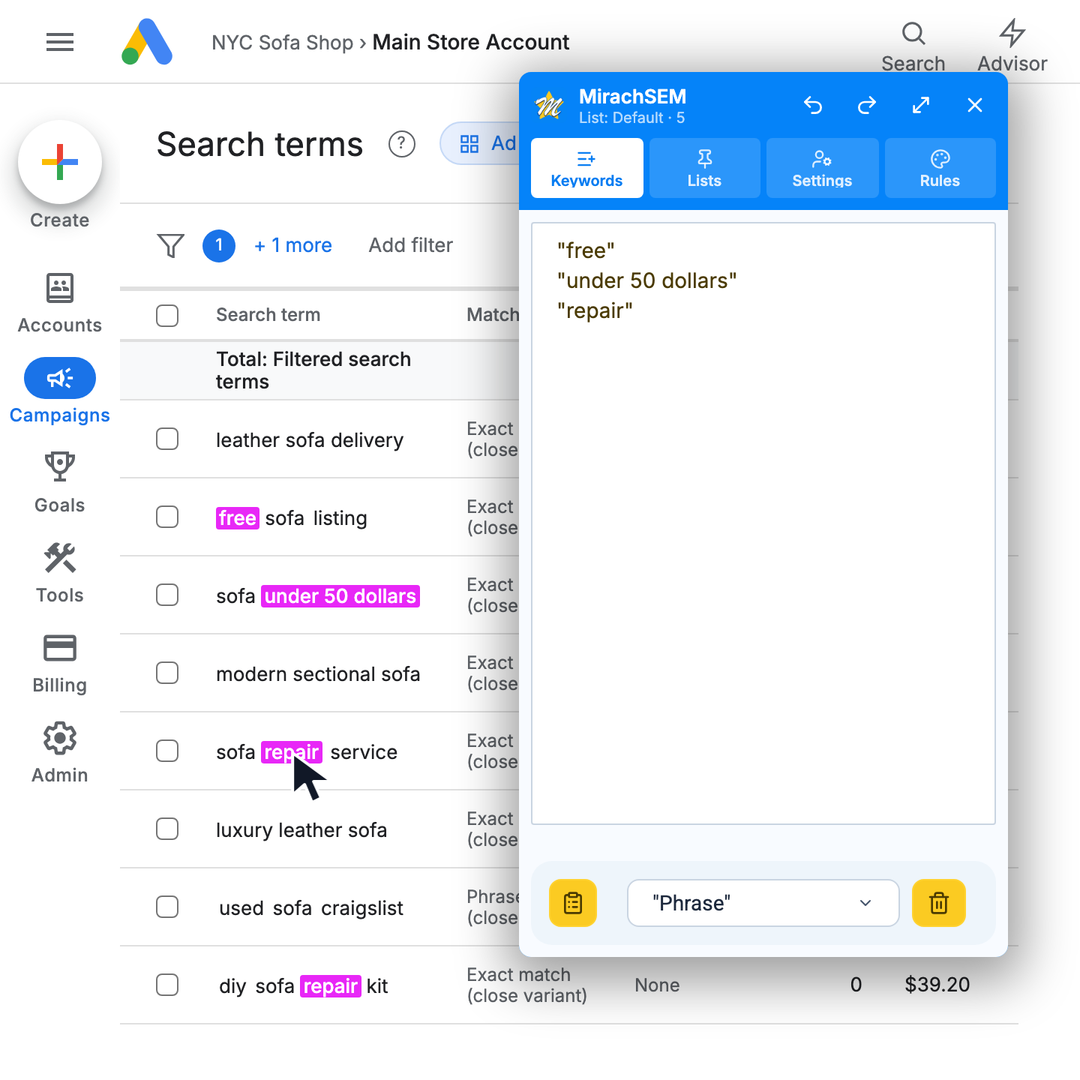
Negative keyword picker
Use the MirachSEM picker to turn irrelevant search terms into a clean negative keyword list without leaving the report.
Read guide →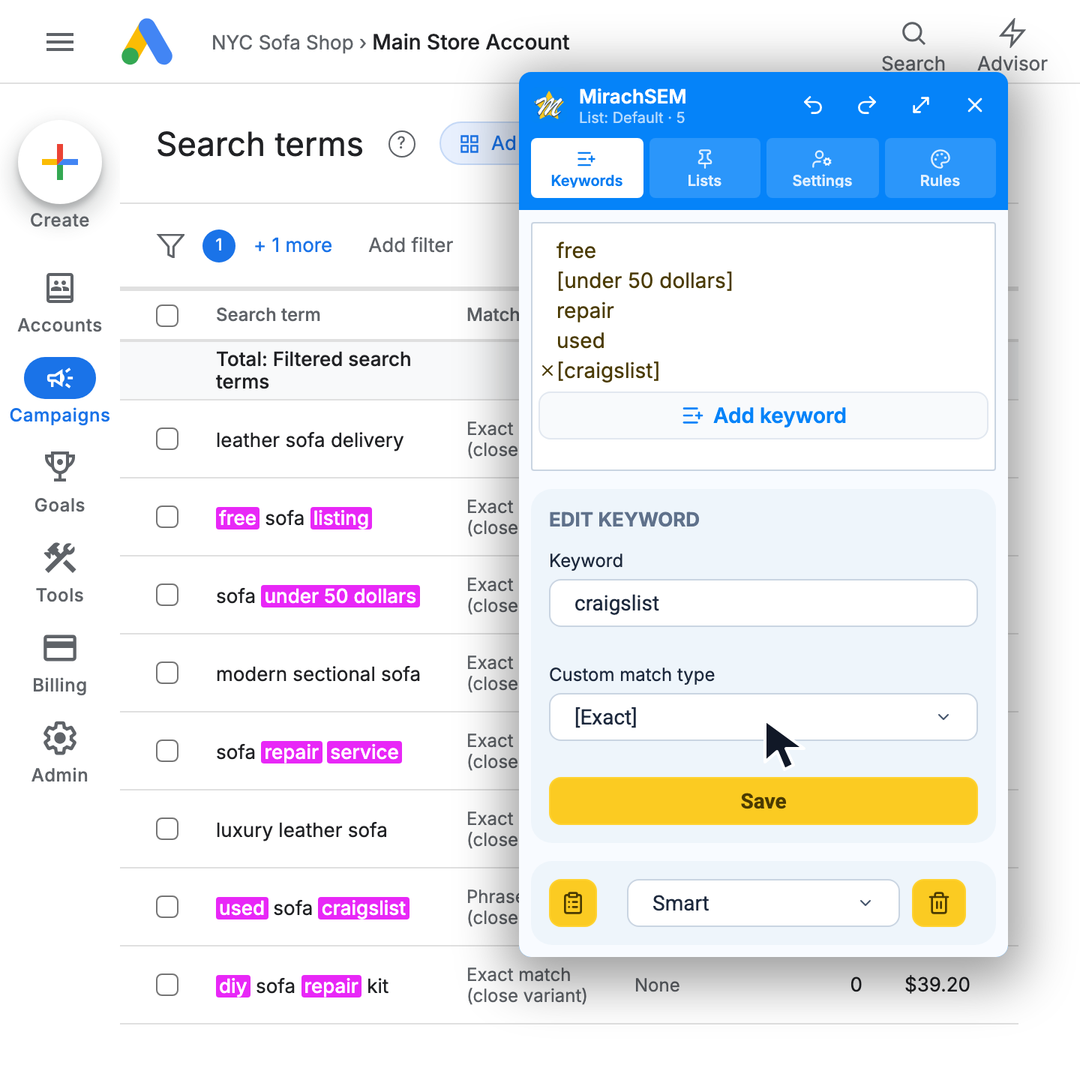
Negative keyword match types
Set broad, phrase, exact, or smart match types before copying negatives into your ads account.
Read guide →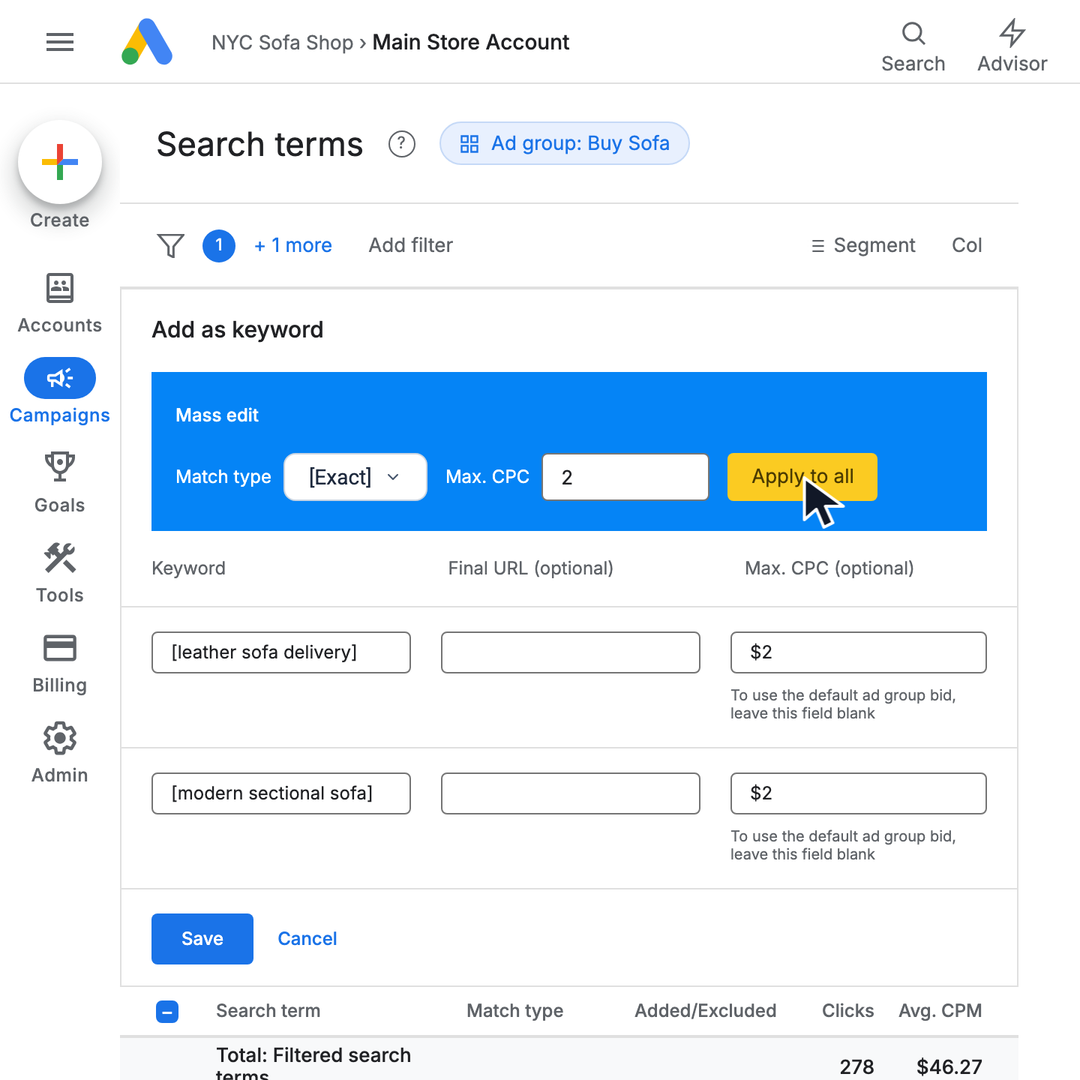
Bulk keyword edits before upload
Select multiple search terms, add them as keywords, set match type and CPC values, and apply the edit to the whole batch.
Read guide →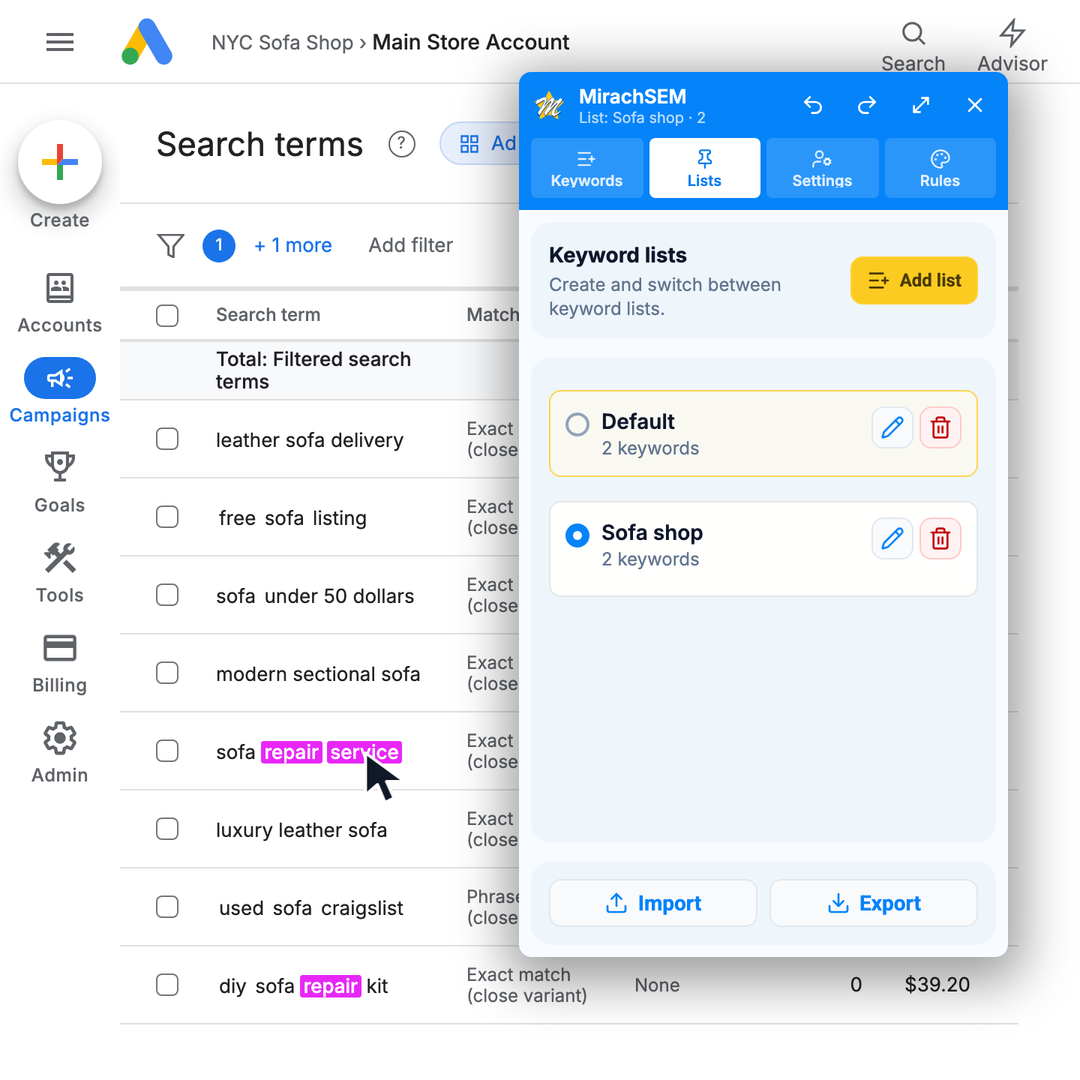
Keyword lists across clients
Save, switch, export, and reuse keyword lists when you move between accounts, clients, or cleanup sessions.
Read guide →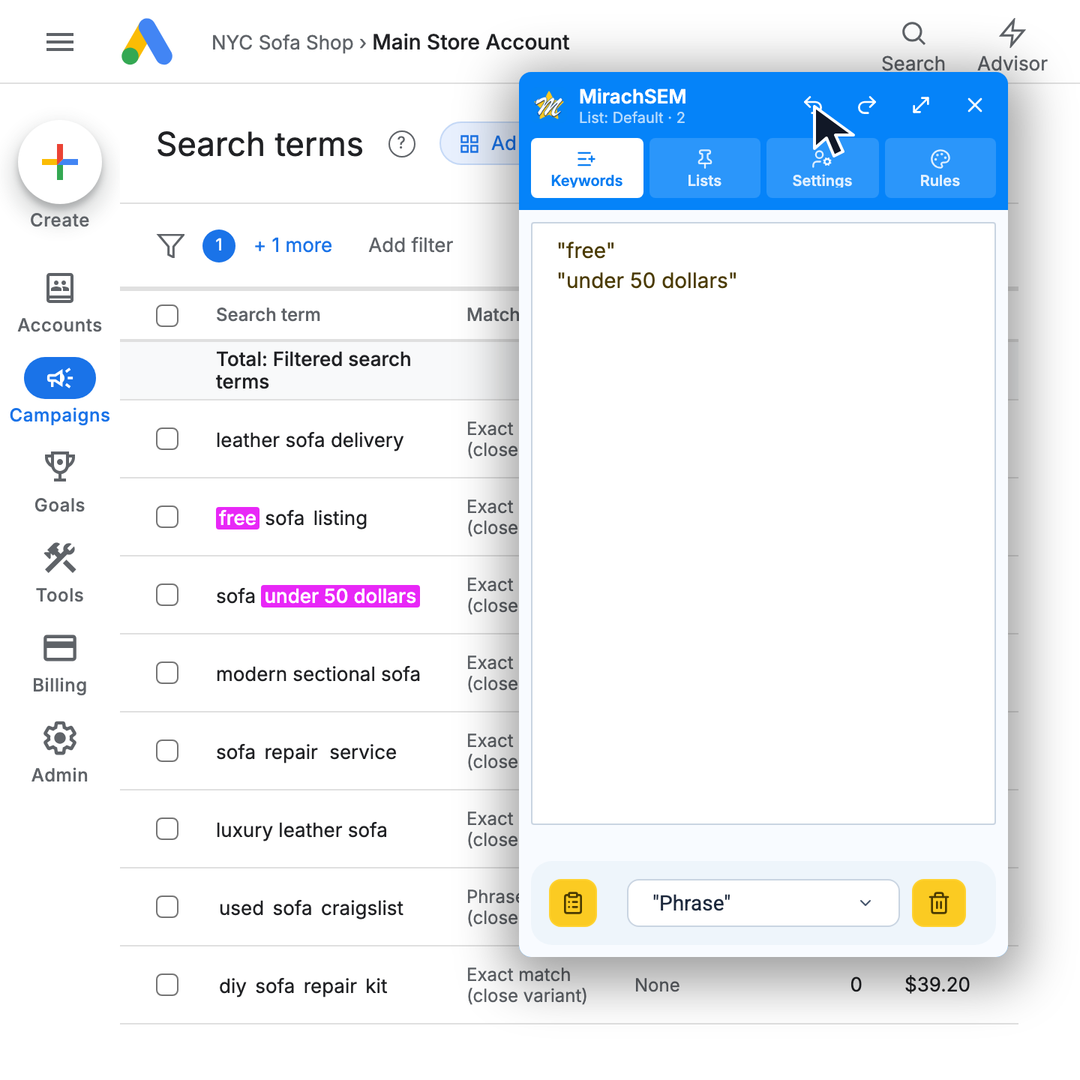
Undo and redo keyword changes
Recover from accidental clicks, edits, imports, and list switches while reviewing search terms.
Read guide →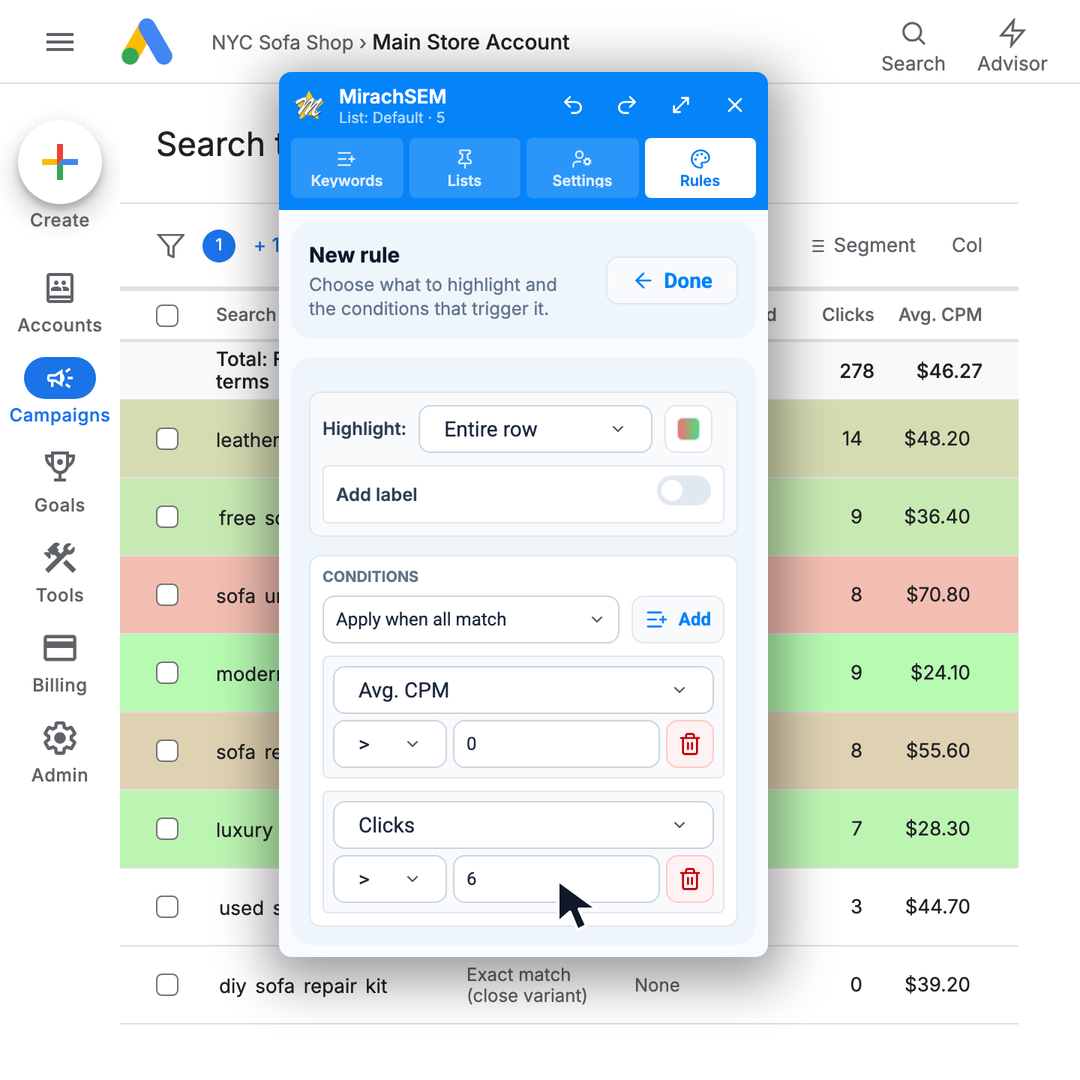
Rule-based color coding
Automatically flag the report signals that matter with colors and labels.
Read guide →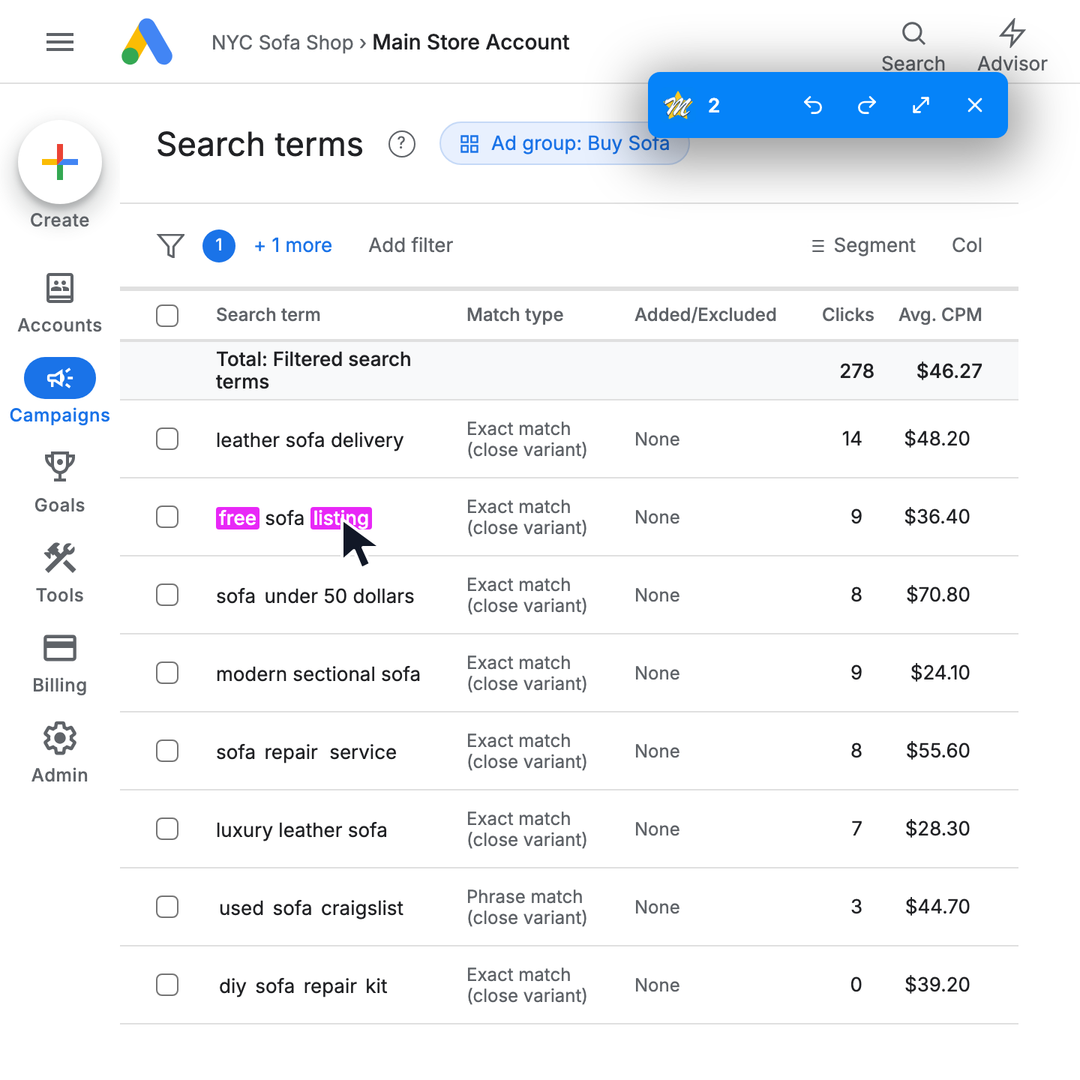
Compact panel mode
Minimize the MirachSEM panel when you need more room in Google Ads while keeping the active list keyword count visible.
Read guide →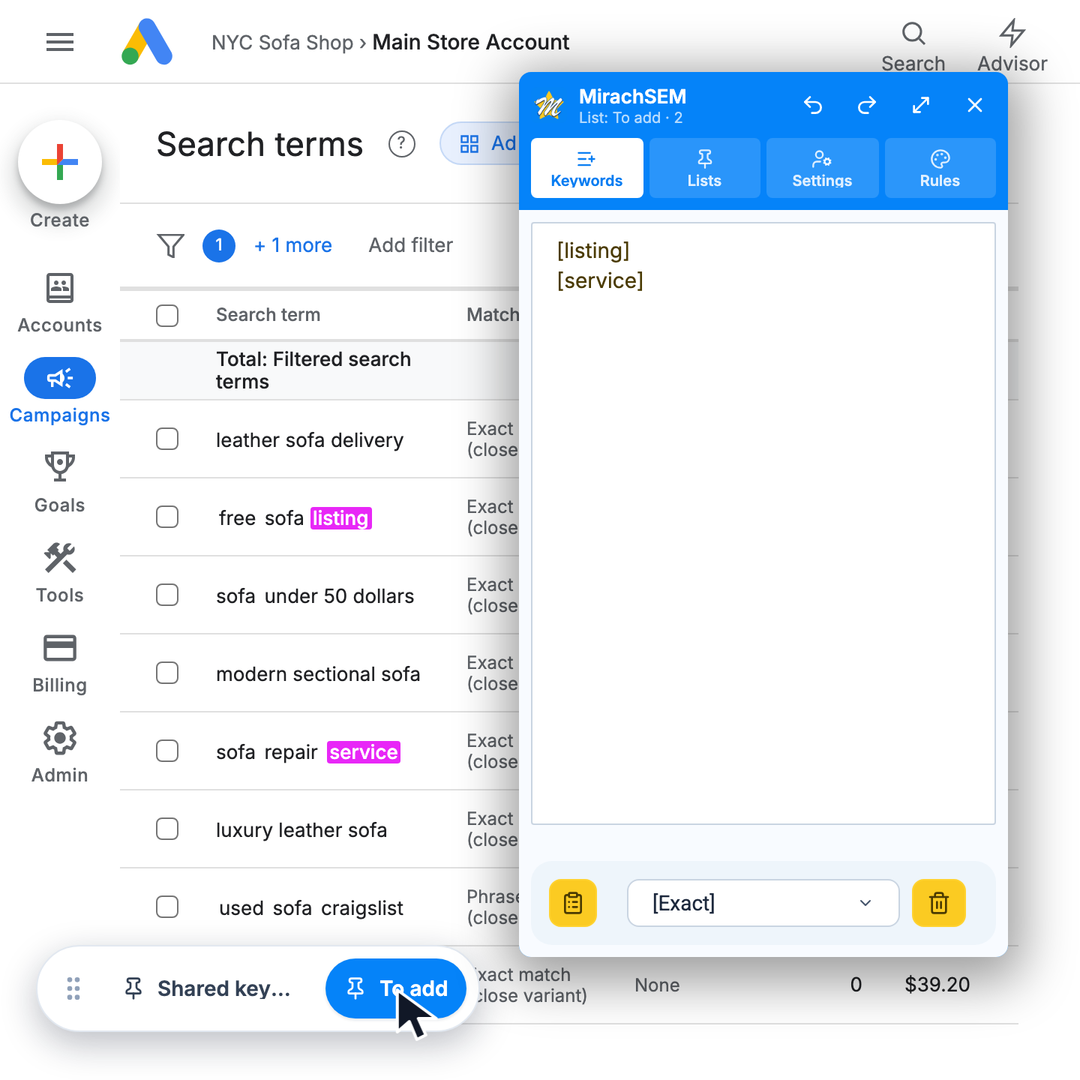
Pinned keyword list switcher
Pin the keyword buckets you need and switch between them without leaving the Search Terms table.
Read guide →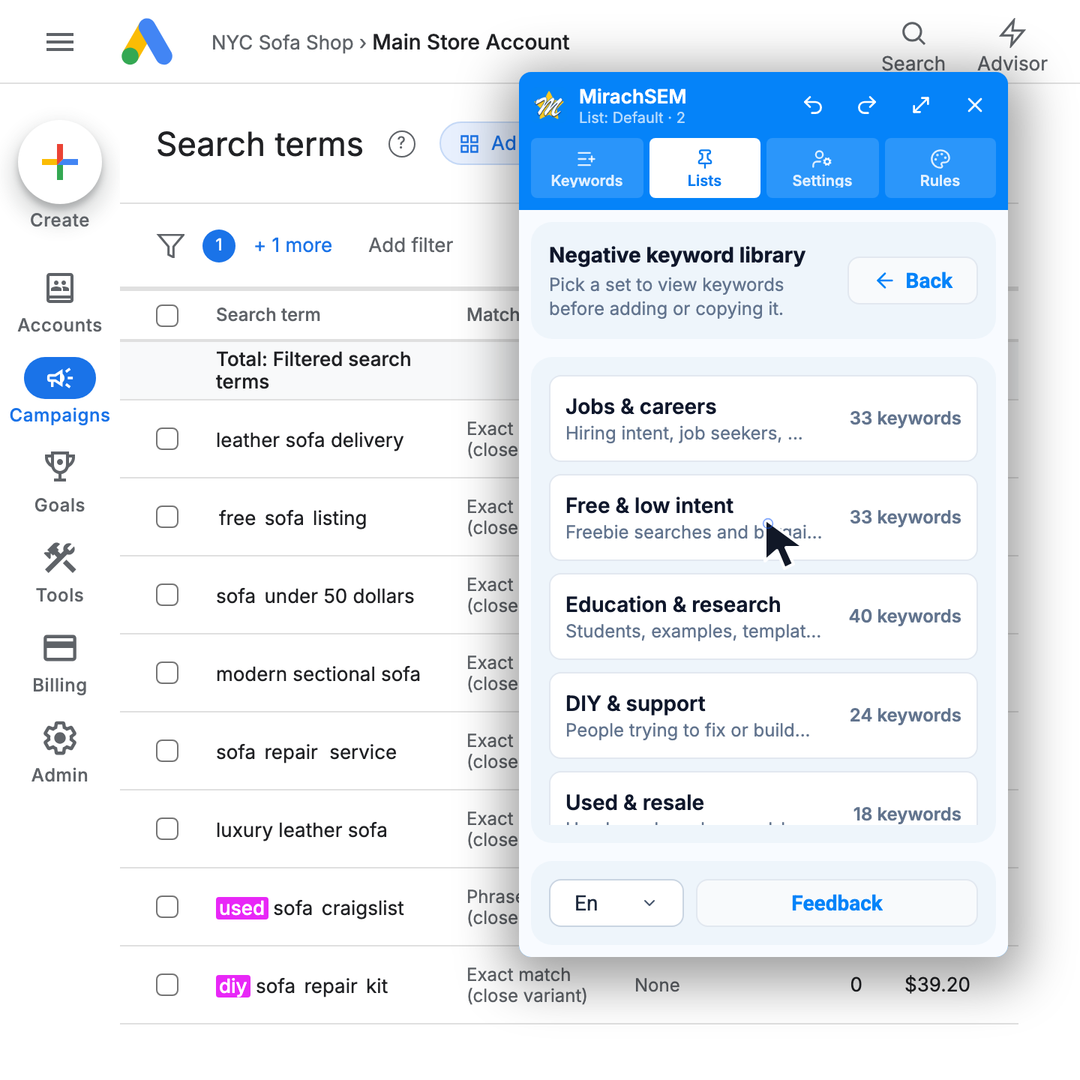
Negative keyword library
Preview common negative keyword sets, copy them, or add reviewed terms to the active MirachSEM list.
Read guide →